Features / Workspace and shortcuts
Thumbnails and toolbar at the side
Put the sheet thumbnails or the toolbar at the left or right to give the drawing more height.
More in Workspace and shortcuts
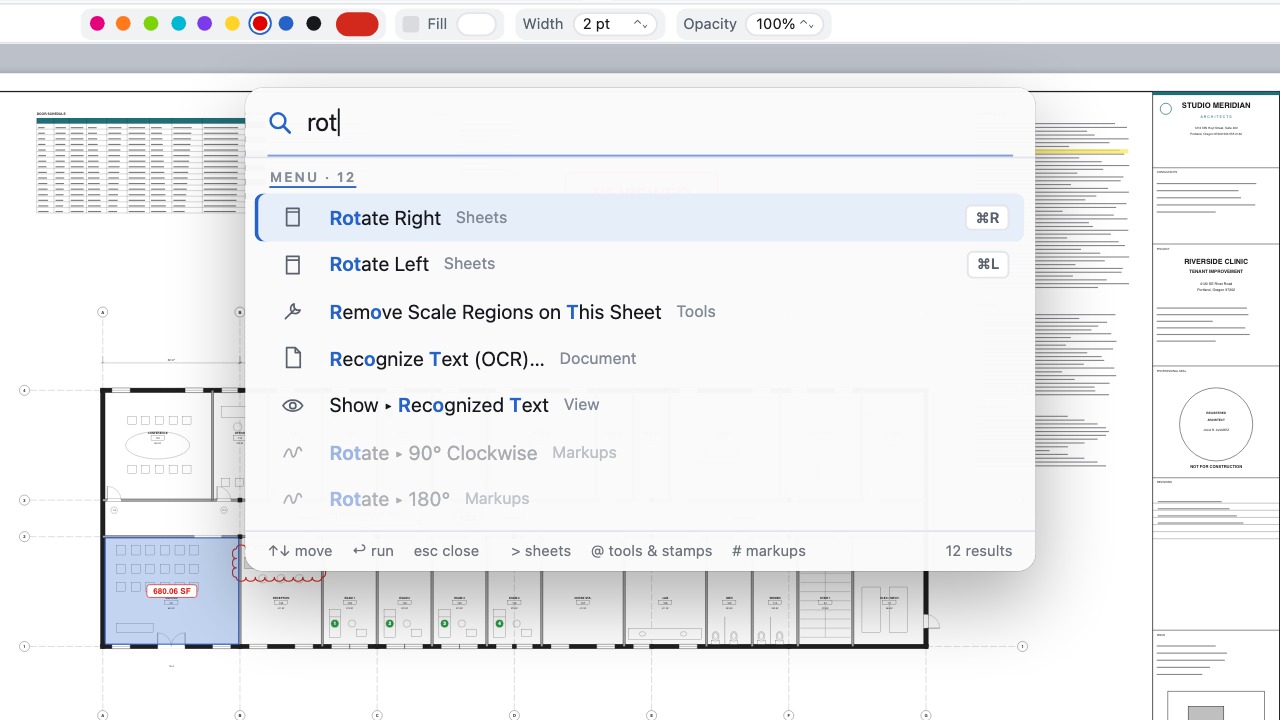 Command paletteOne shortcut finds any command, sheet, tool or markup; documents open in tabs.
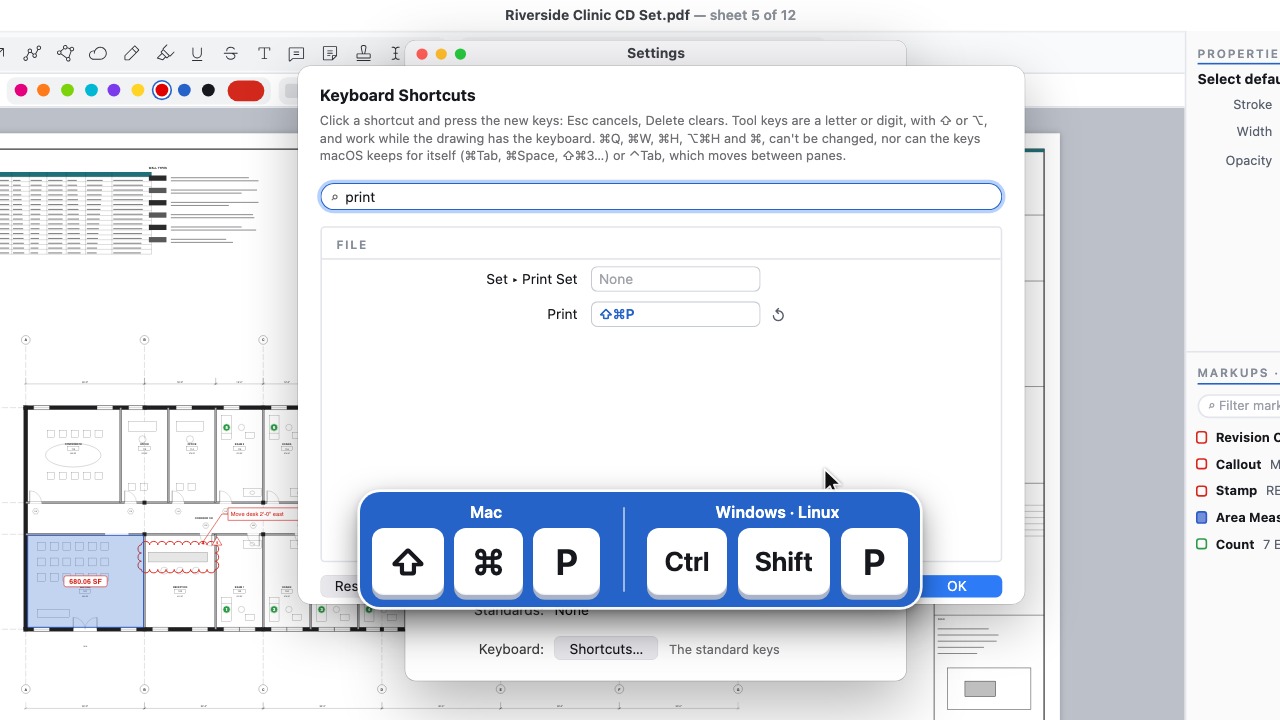 Your shortcutsChange any key, and share them in your firm's profile.
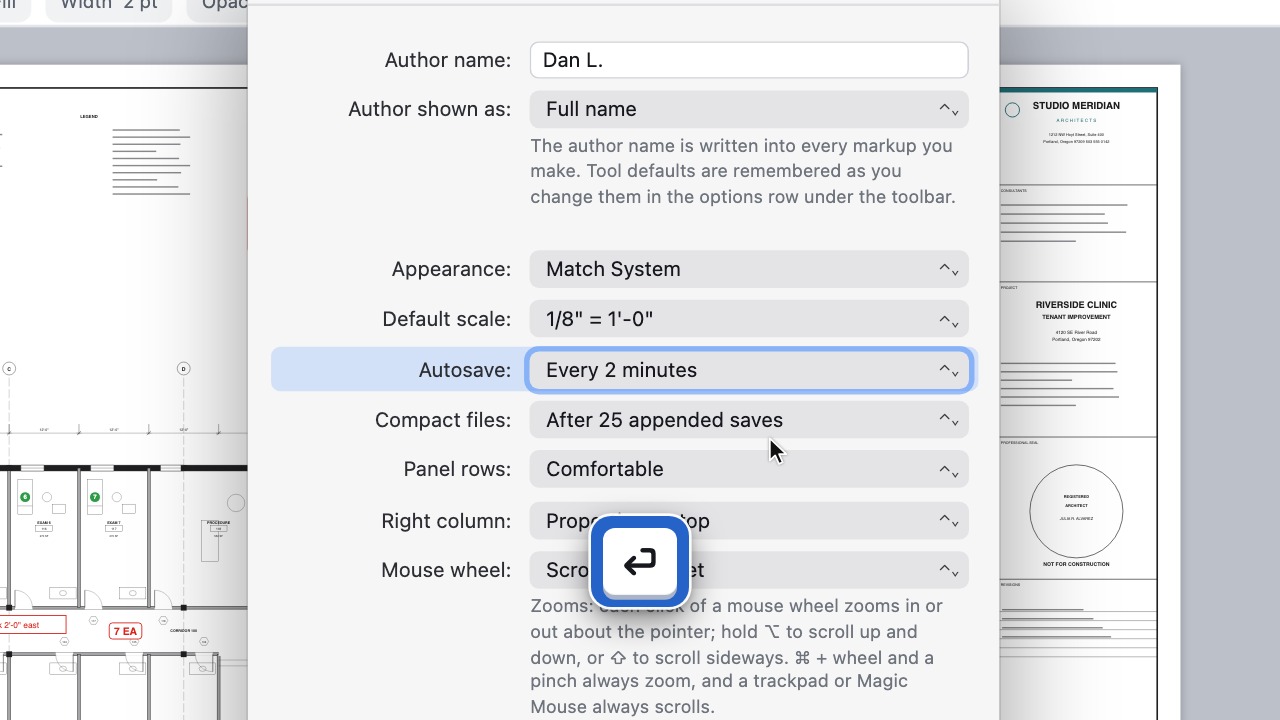 Settings at your fingertipsType part of a setting's name in the command palette and go straight to it.
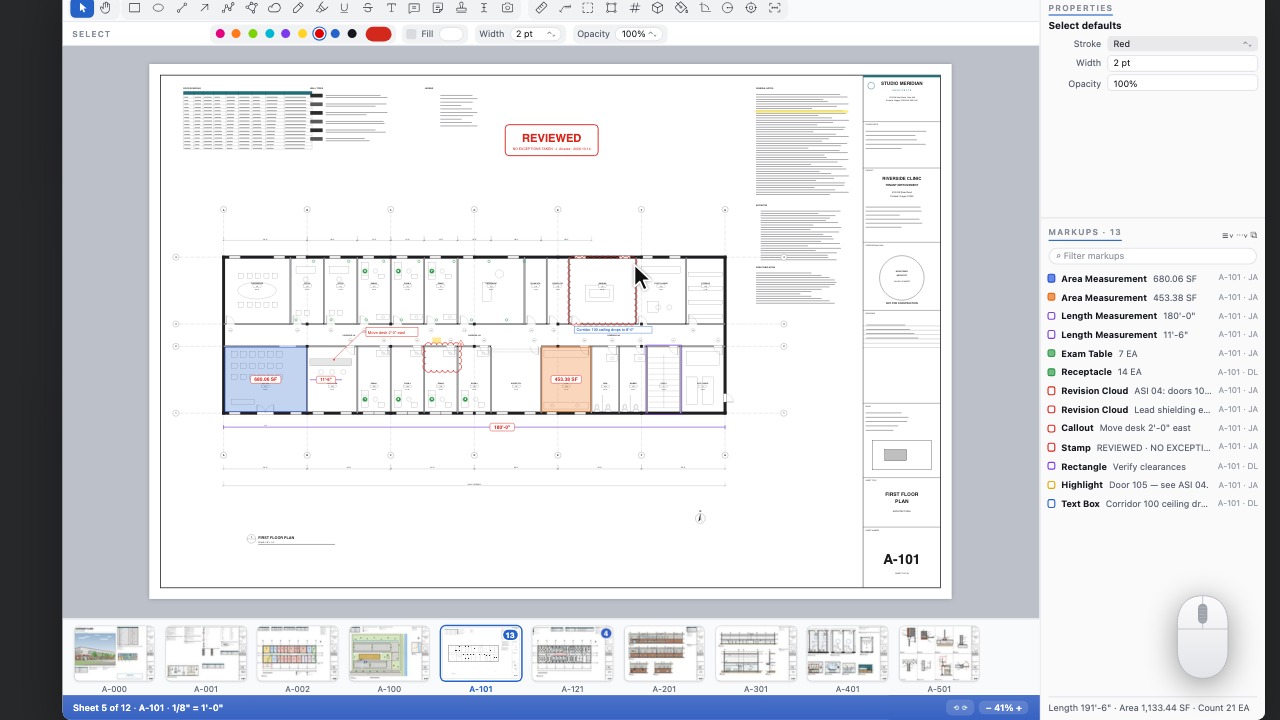 Zoom to extentsDouble-click the middle mouse button to see the whole sheet, as in CAD.
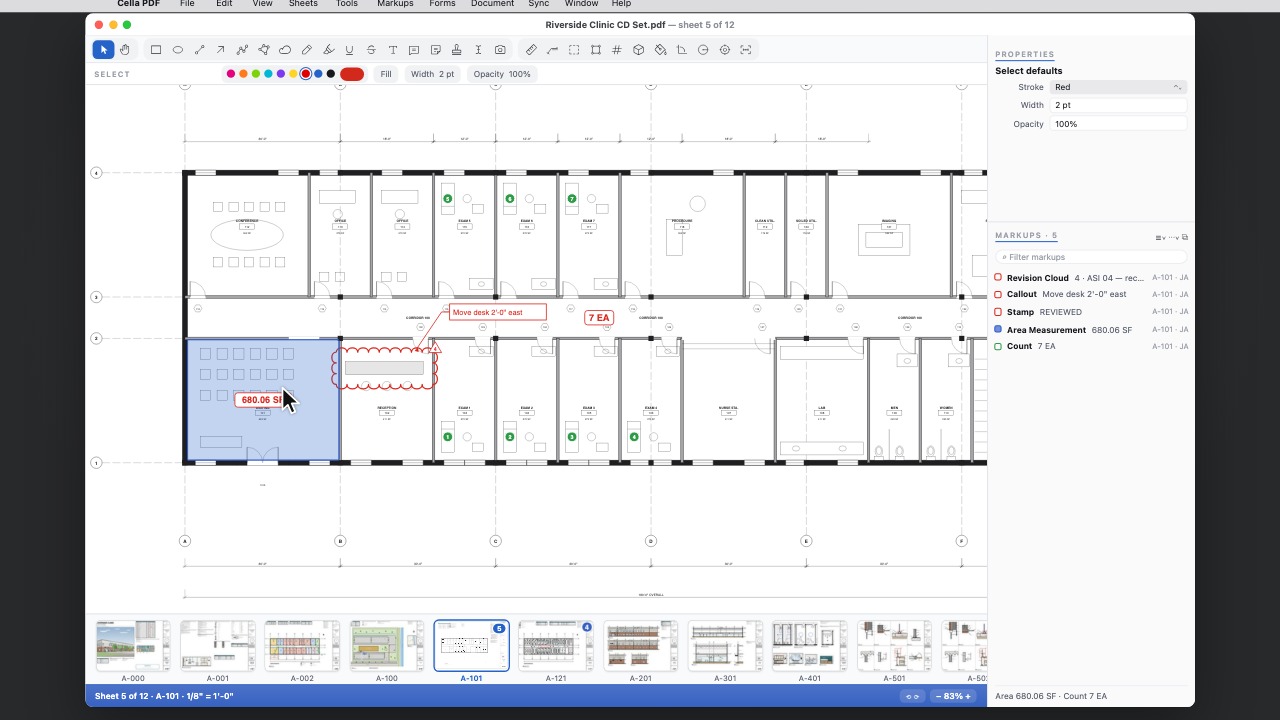 Mouse wheel zoomEven zoom steps about the pointer, a stop at Fit Page, and a setting to make the wheel zoom.
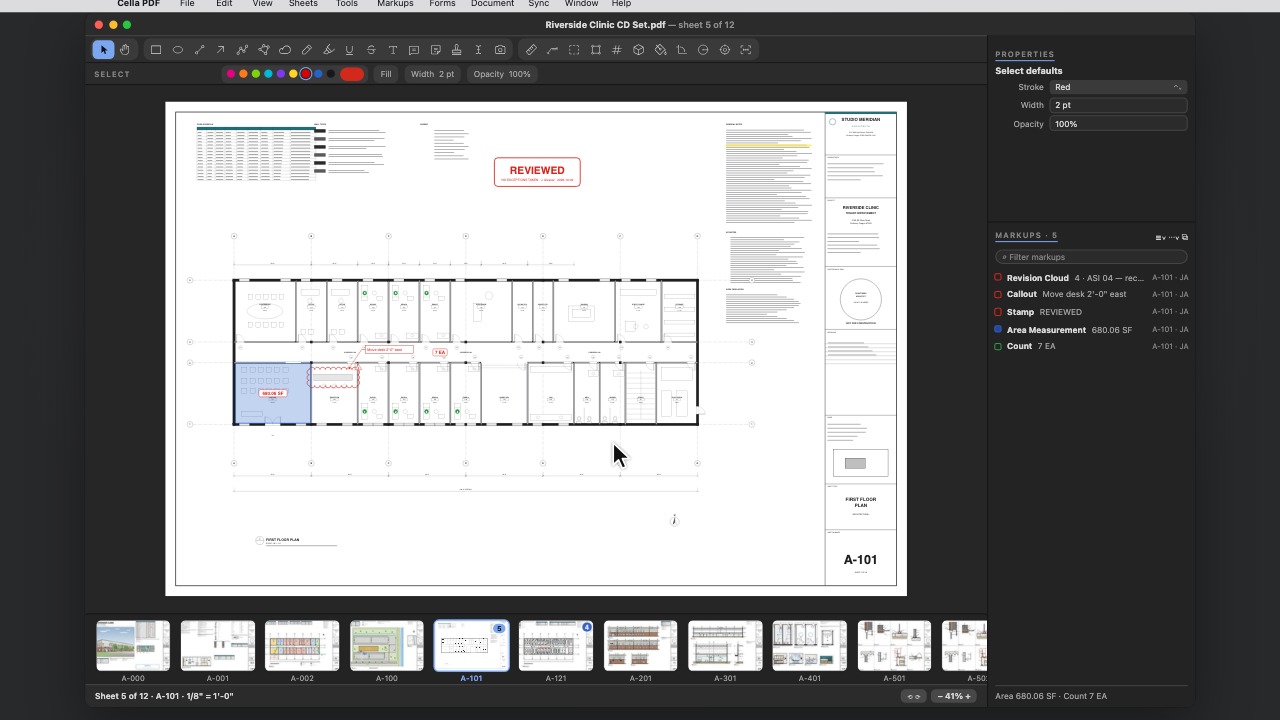 Dark interfaceLight, Dark or match your system, with the drawing left exactly as it is.
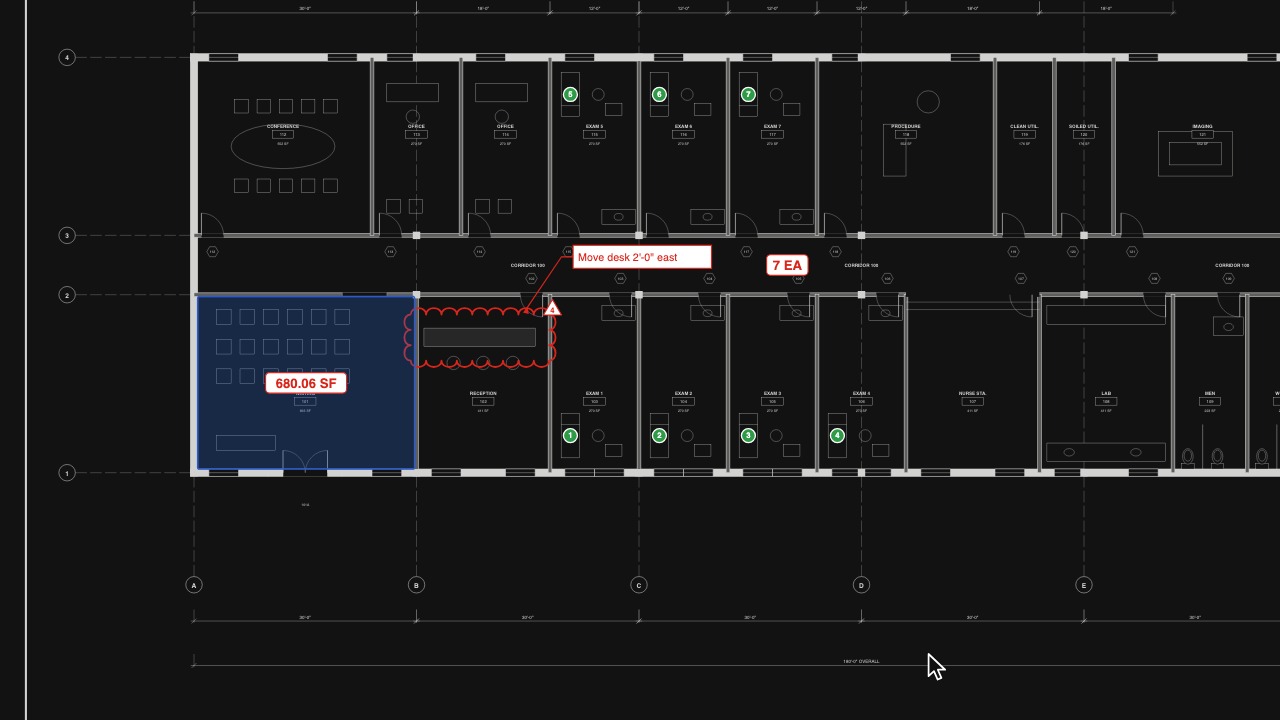 Invert DrawingWhite lines on black for late nights.
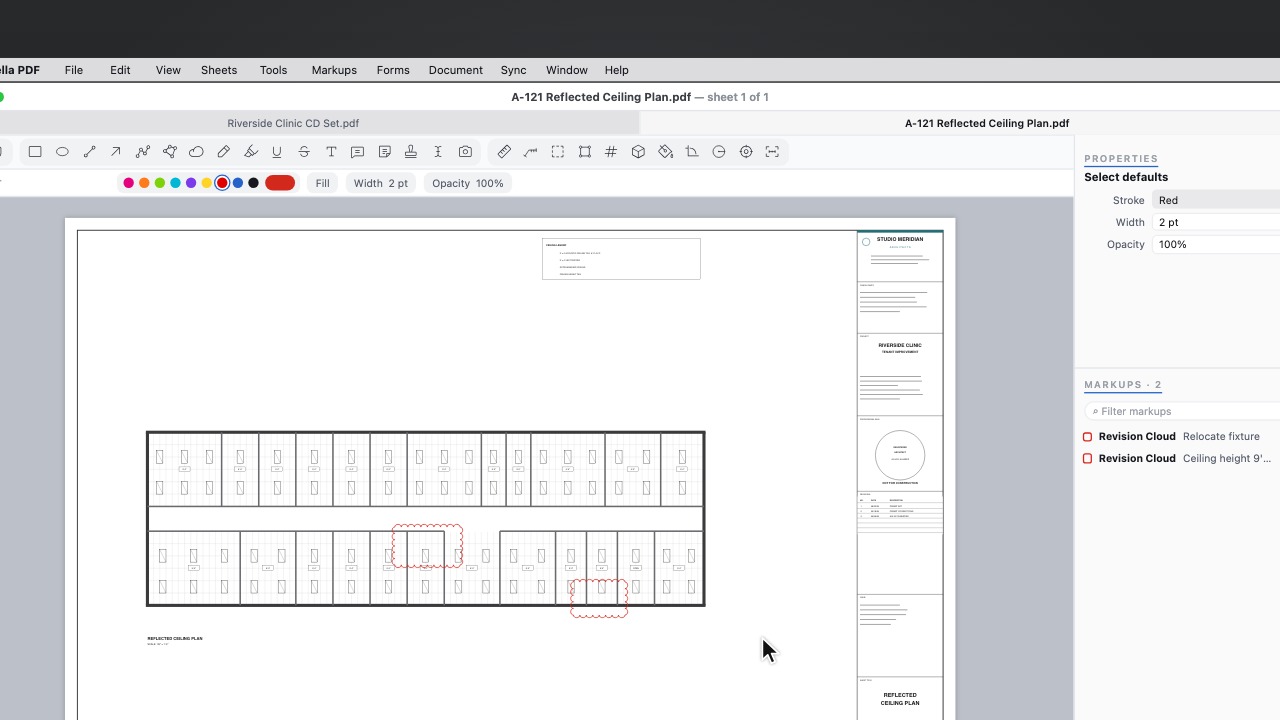 New TabA new tab opens on your recent documents and sets; what you pick opens in it.