Features / Measure and take off
Take-off summary
Quantities per room, sheet or layer, in Excel.
More in Measure and take off
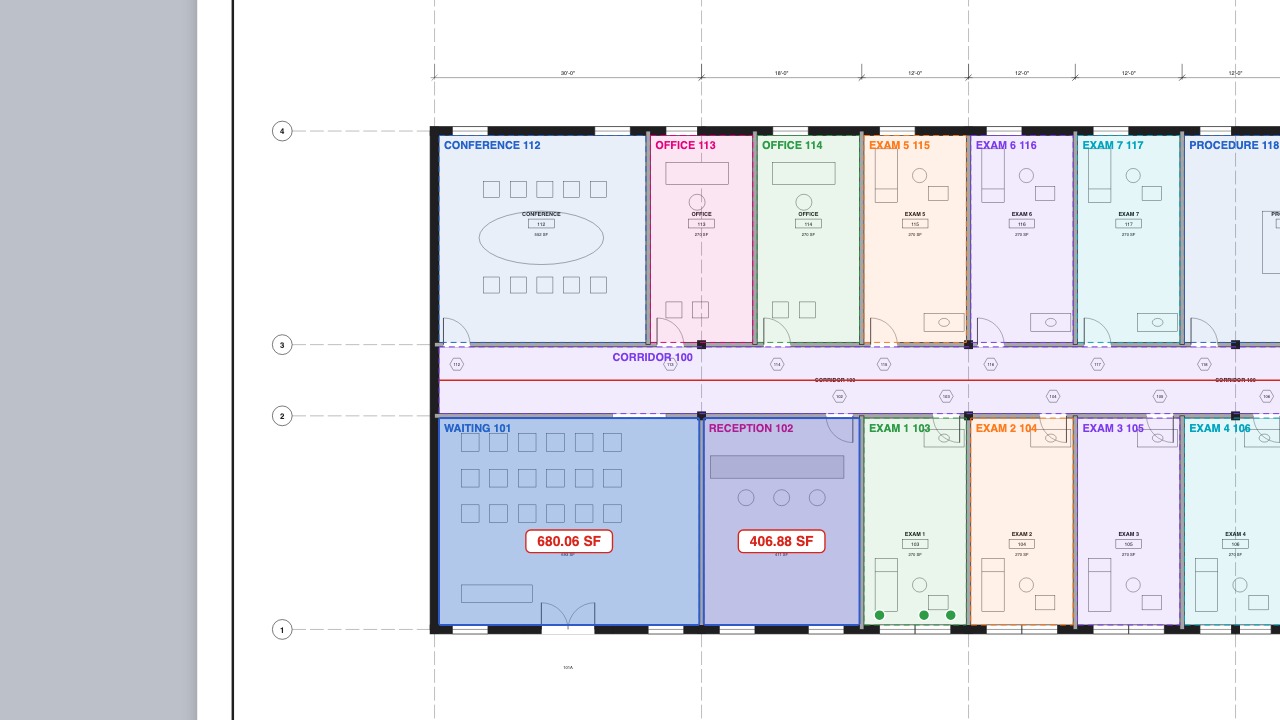 Spaces from roomsFind every room, name it from its label and total by room.
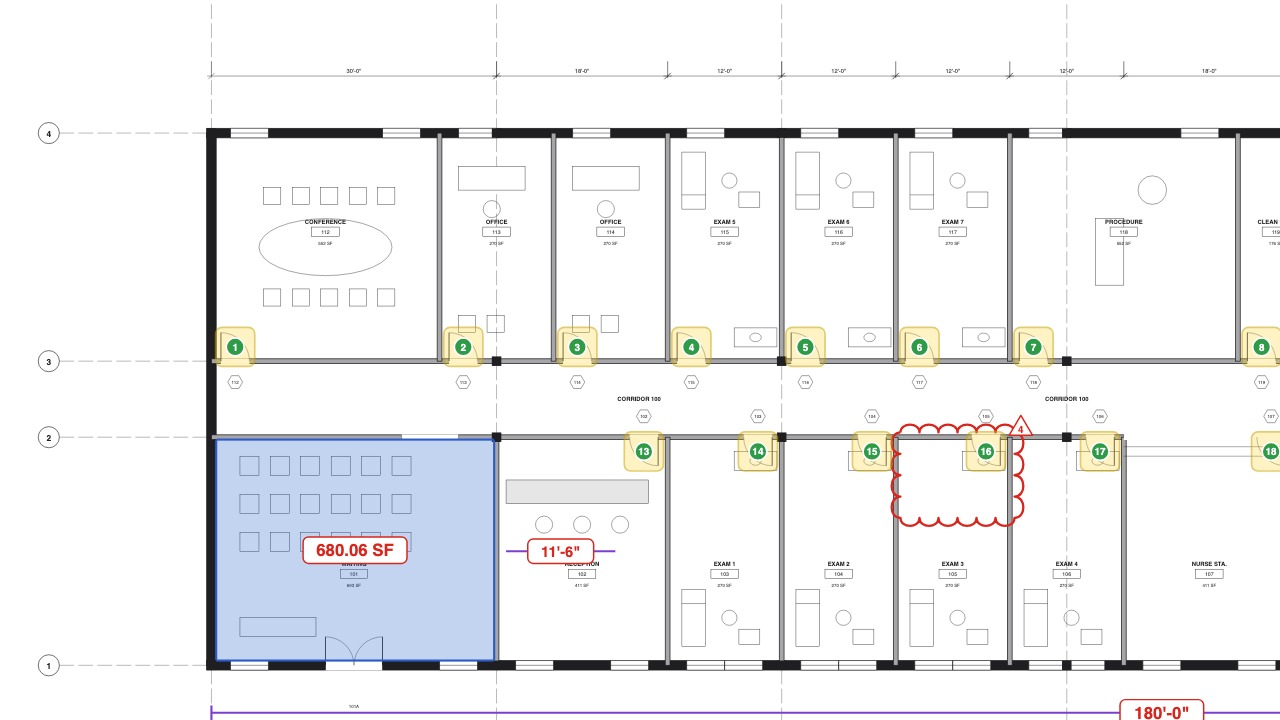 Visual SearchFind and count every instance of a symbol.
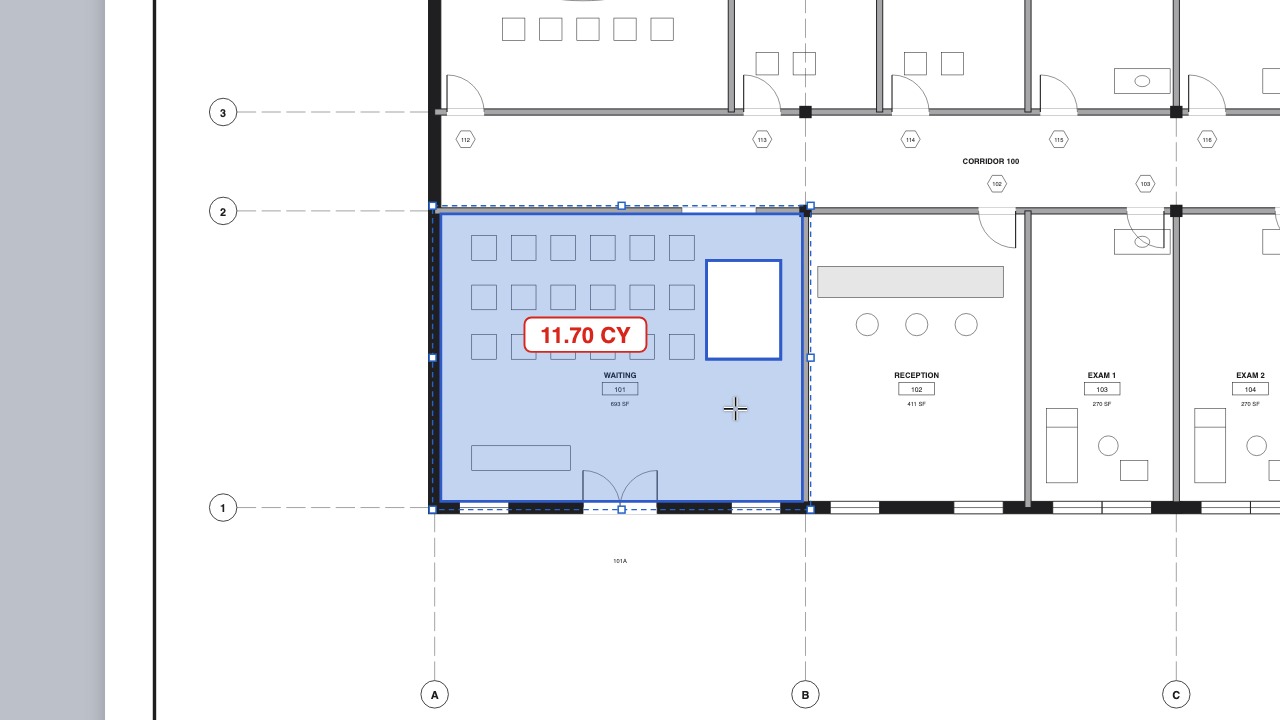 Volumes and cut-outsVolumes, openings cut out of areas, and scale regions for details.
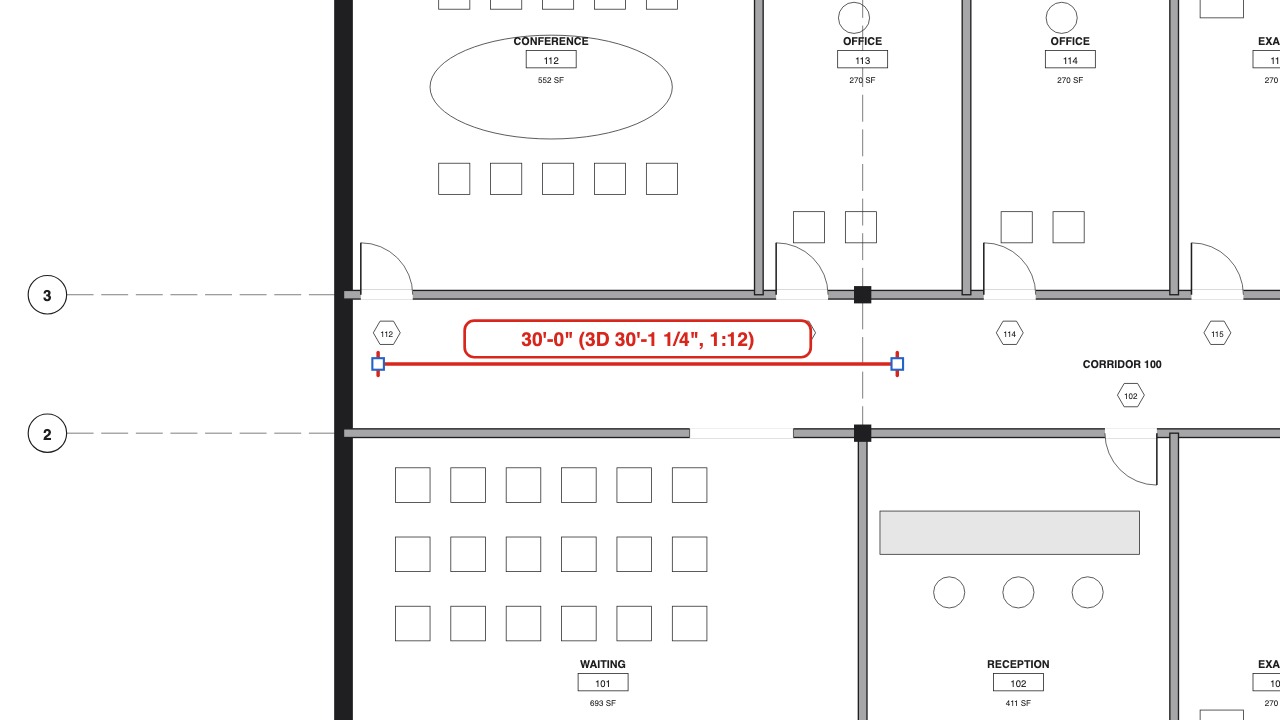 Slope and 3D lengthTrue lengths for pipe runs, ramps and roofs.
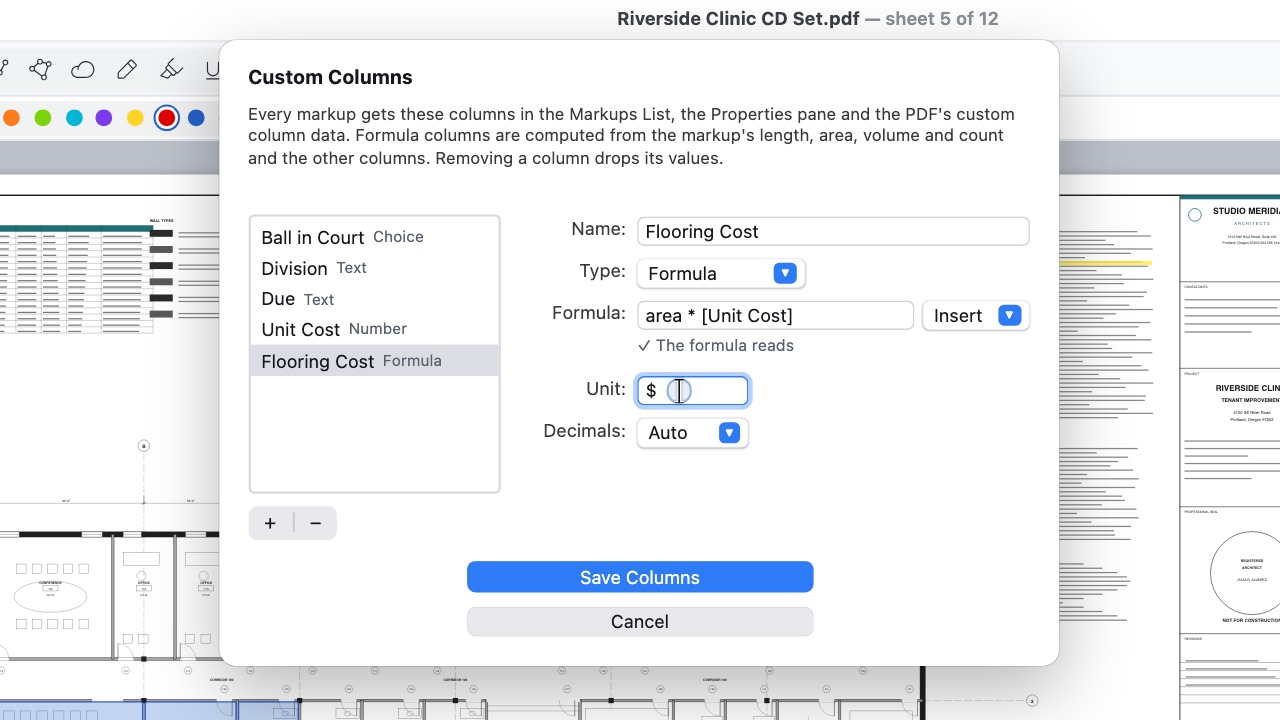 Formula columnsColumns such as area × unit cost, totalled for you.
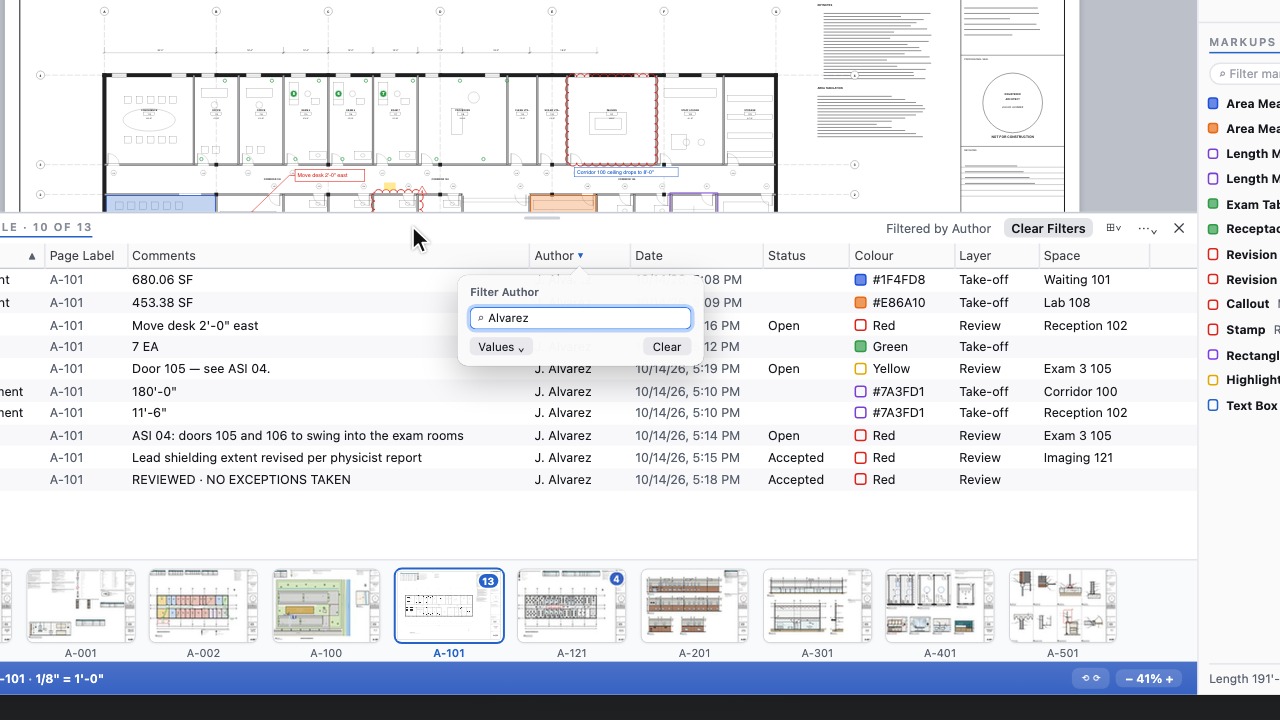 Markups TableEvery markup in a wide table to sort, filter and save as a view.
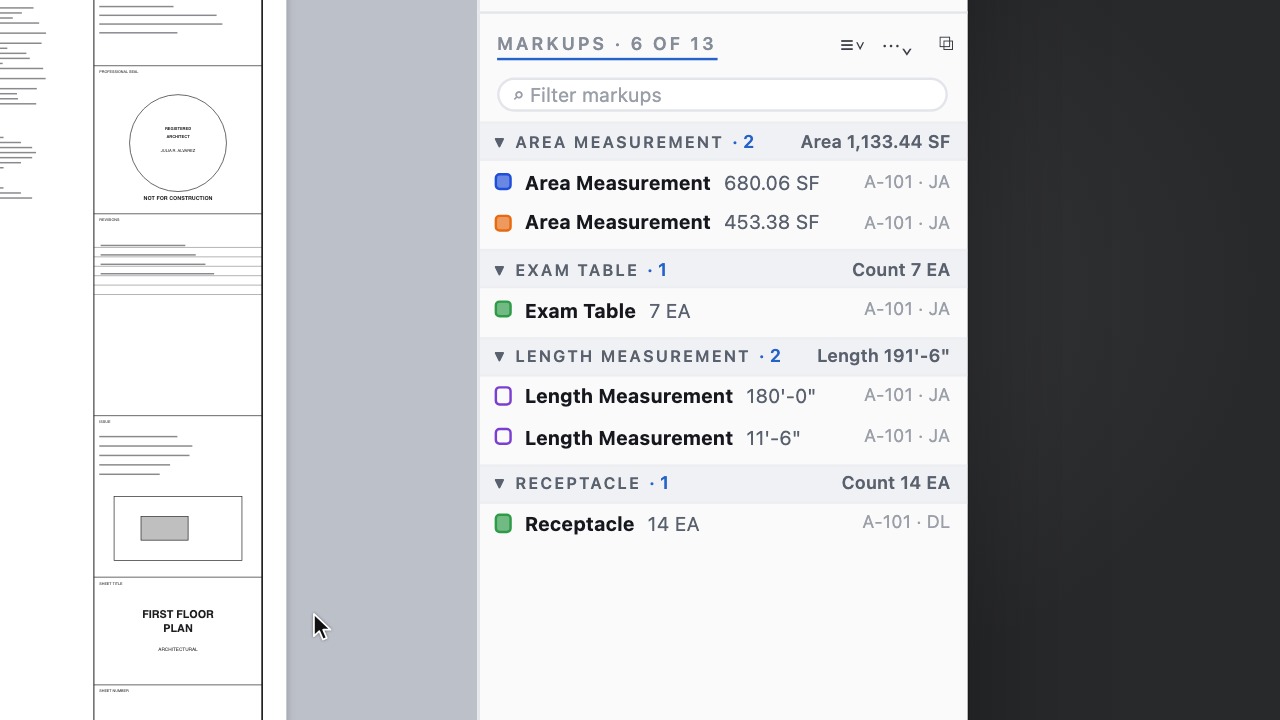 Saved list viewsKeep your sort, groups and columns; Review and Take-off built in.
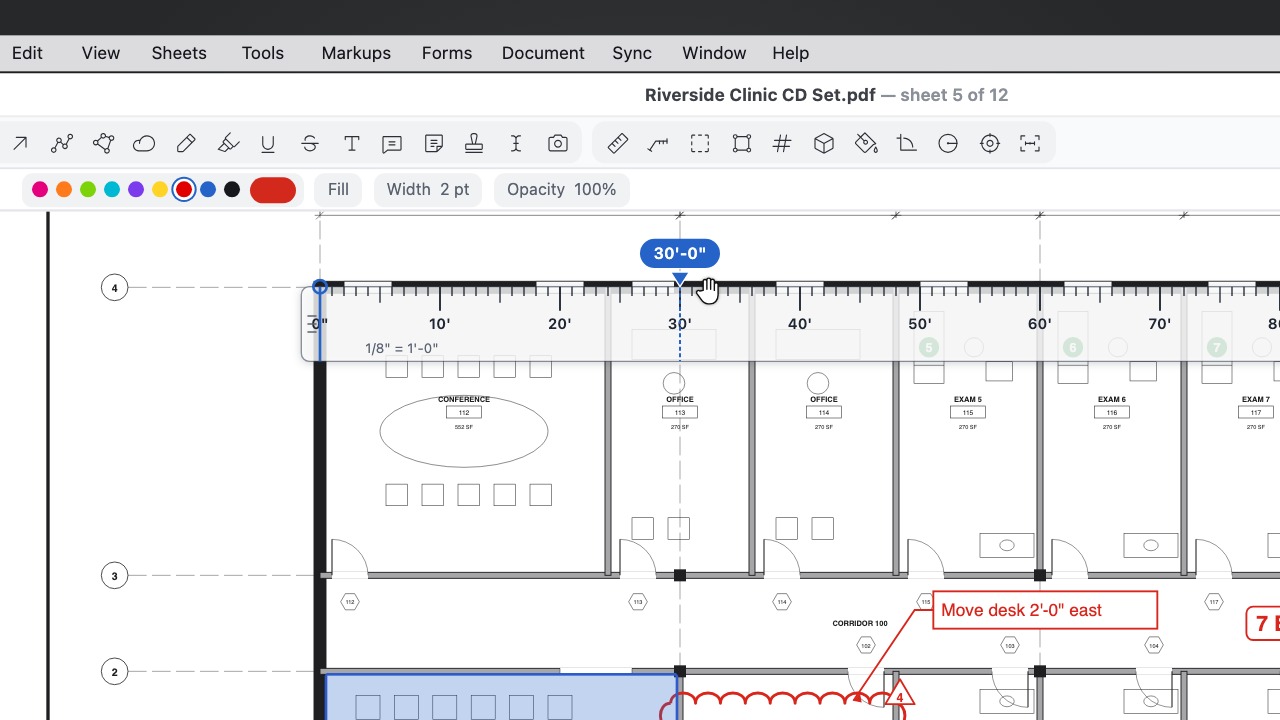 Scale RulerA see-through ruler that reads in the sheet's scale: drag it, turn it and snap its zero to the drawing.